
Start a working page
Use FeraStage Blank Page to bring notation, chords and practice notes into your own page layout. Begin rehearsal preparation with a short musical idea.
Choose your starting point
This overview explains the preparation task and links to the relevant workspace. Begin with a small example on your own device, then check the saved work before moving a larger repertoire.
Open a working page →Build the page around what you play
When looking for a blank manuscript page, decide what you need to write: a melody, chord sequence, song form or rehearsal note. A short idea needs a different density from a complete arrangement. FeraStage Blank Page provides a workspace for bringing notation, chords and practice notes into your own layout.
If only the opening chord and ending decision cause confusion in rehearsal, make those sections clear. A title and section notes help identify which piece and arrangement a short page belongs to.
Try the layout with a small example
Begin with a four-bar melody or short chord loop. Consider the distance from which you will read the page and give the important information room. Reopen the work and follow it during preparation. This trial helps you identify what you need before applying the layout to other songs.
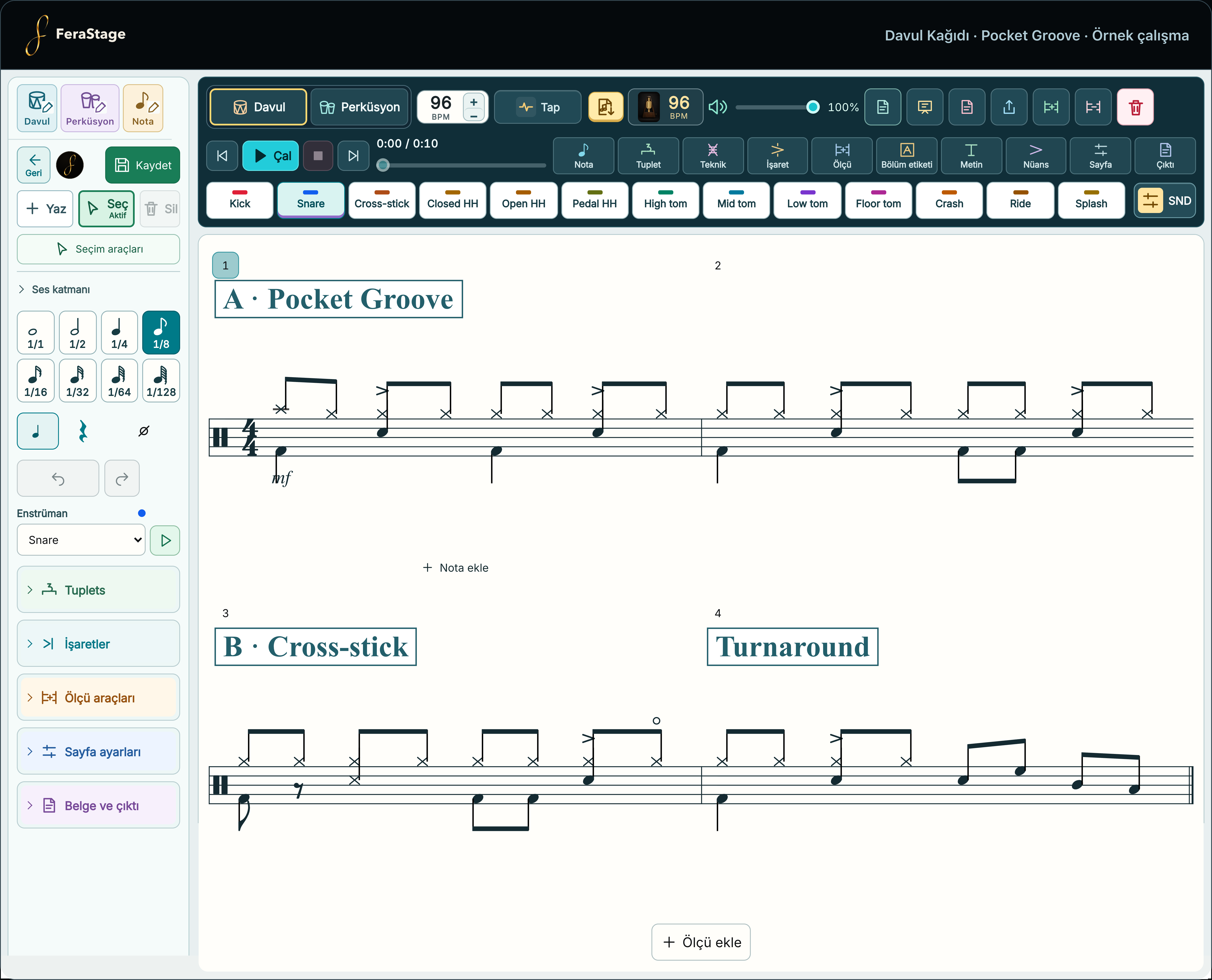
For a specific drum rhythm, explore Drum Paper within Blank Page. Songs and Setlists support the repertoire and concert-order parts of the workflow. Consider the information on the page alongside the sequence you will follow on stage.
Questions before you start
What can I prepare with Blank Page?
You can bring notation, chords and practice notes together. Choose a page layout suited to the work and try a short example before preparing more material.
Which page should I use for drum writing?
Open Blank Page → Drum Paper in Stage. Use the drum and percussion instruments and note durations to prepare your rhythm idea.