
Check one note at a time
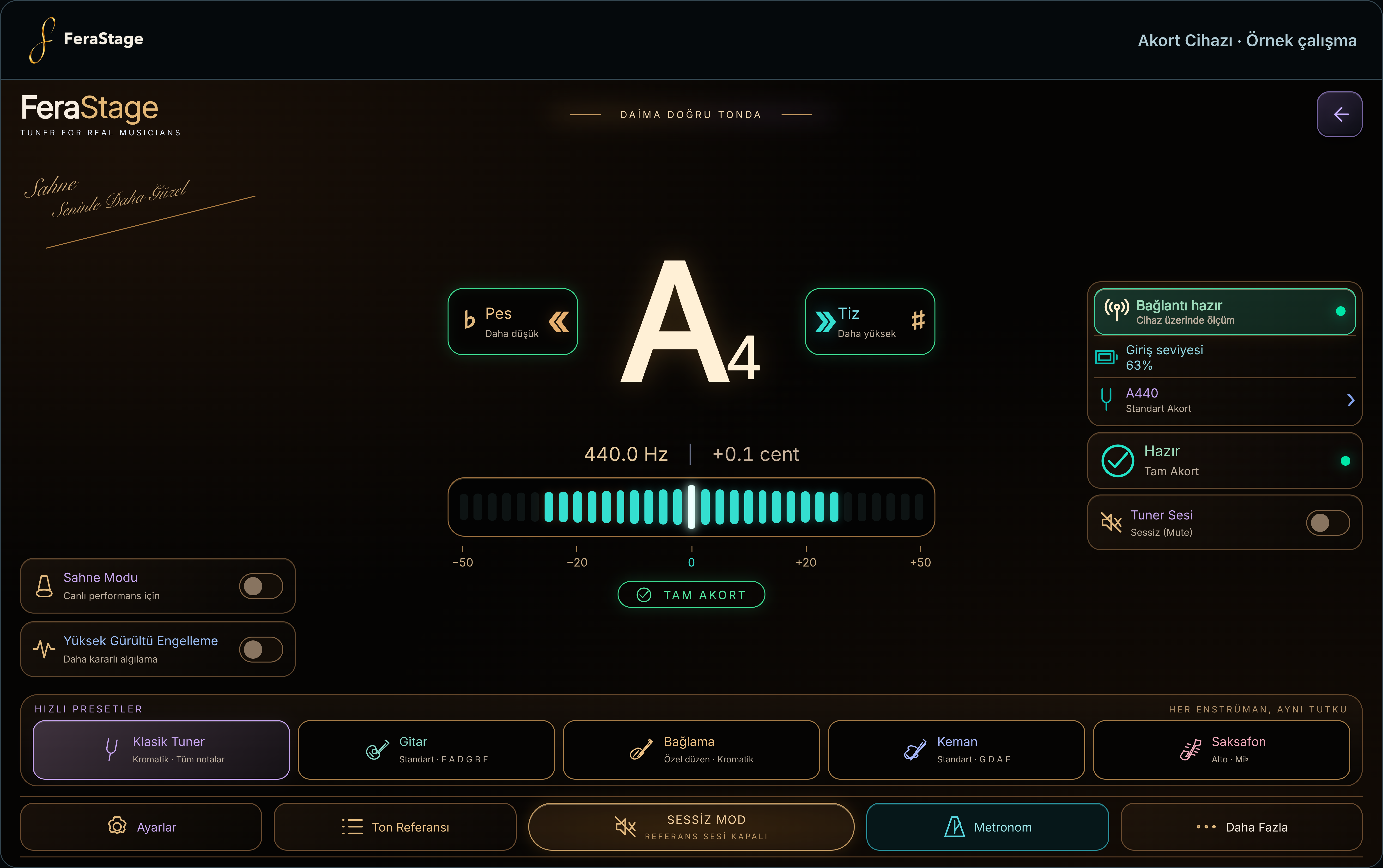
Check one string or note at a time. Compare the detected note, frequency and flat-or-sharp direction with your own tuning reference.
Choose your starting point
This overview explains the preparation task and links to the relevant workspace. Begin with a small example on your own device, then check the saved work before moving a larger repertoire.
Open Tuner →Prepare your first session
Check one string or note at a time. Compare the detected note, frequency and flat-or-sharp direction with your own tuning reference.
- Select an instrument layout and enable microphone measurement.
- Play one string or note and inspect note, Hz and cent indicators.
- Adjust A4 reference, note names or string targets when needed.
Try a musical example
In the guitar layout, choose E2 instead of AUTO and play one string. Check the 440 Hz A4 setting and confirm any alternate tuning reference independently.
Before you begin
Measurement requires a secure connection, microphone support and permission. Microphone measurement pauses while a reference tone plays.
Background noise and the device microphone affect measurement. This tuner analyses sound on the device; the tuner workflow does not save or upload an audio recording.
Questions before you start
Can I measure while the reference tone is playing?
No. Microphone measurement pauses during the reference tone. Turn the tone off to return to single-note measurement.