
Practise with a metronome
Choose your own tempo and beat pattern. Use an audible click and visual pulse to prepare a focused rhythm practice session.
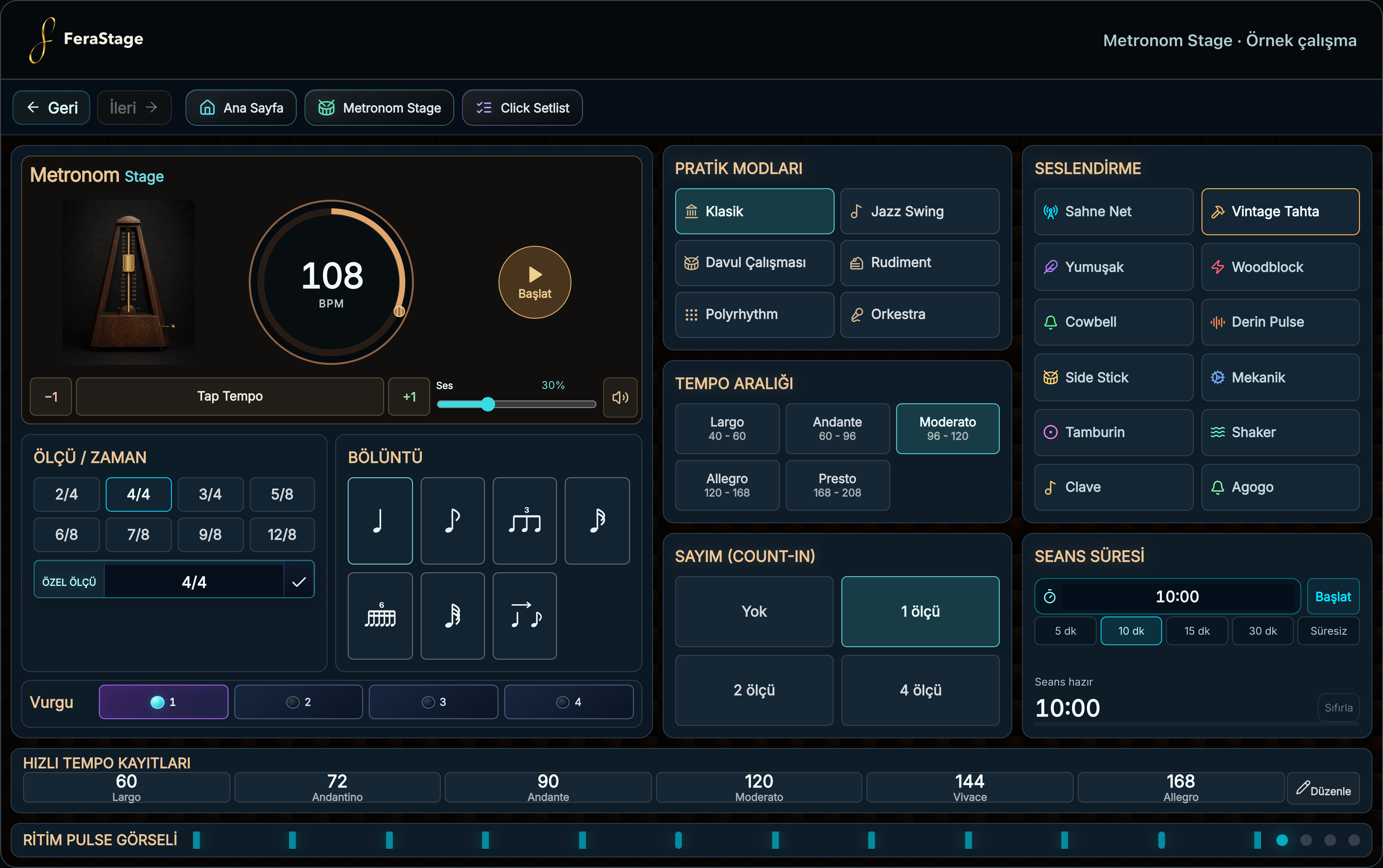
Choose your starting point
This overview explains the preparation task and links to the relevant workspace. Begin with a small example on your own device, then check the saved work before moving a larger repertoire.
Open Metronome →Prepare your first session
Choose your own tempo and beat pattern. Use an audible click and visual pulse to prepare a focused rhythm practice session.
- Enter BPM or use Tap Tempo to find your practice speed.
- Choose metre, accents, subdivision and click sound.
- Add an optional count-in or session duration, then start.
Try a musical example
Set 72 BPM and 3/4 for the original GLASS WALTZ study. Accent the first beat and follow the three-beat pattern with the click, then compare it with the silent visual pulse.
Before you begin
In the standalone metronome you enter the song’s BPM and metre yourself. For stored per-song click settings, explore Click Setlist.
Practice presets do not automatically increase tempo over time. The Polyrhythm preset does not create two independent rhythm layers.
Questions before you start
What does Tap Tempo do?
It estimates a tempo from your taps. Check the result and adjust it with the BPM field or fine controls.