
Record your rehearsal idea
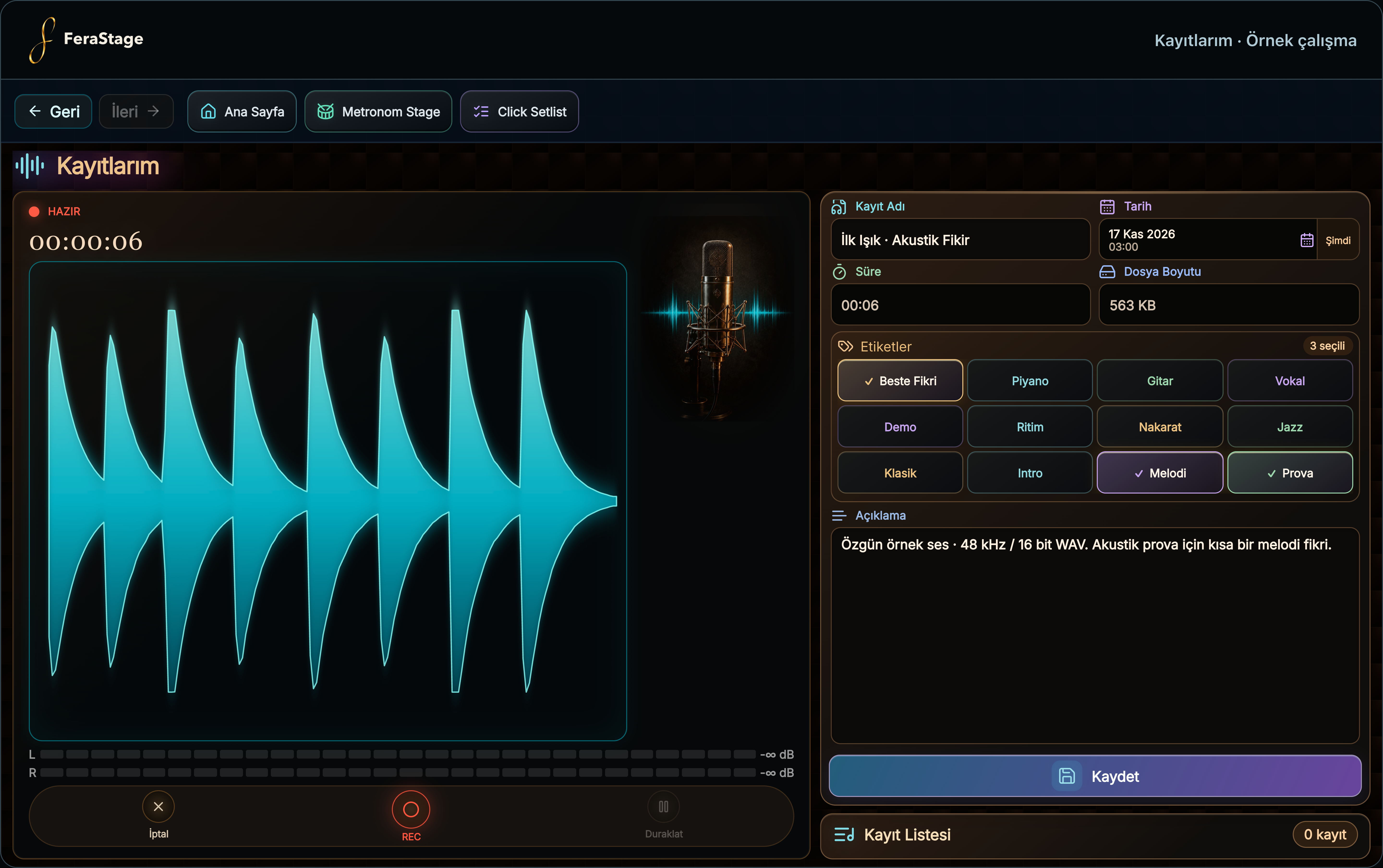
Capture a short musical idea or rehearsal note with your microphone. Find it again in this device’s recording list using a name, date, tag and description.
Choose your starting point
This overview explains the preparation task and links to the relevant workspace. Begin with a small example on your own device, then check the saved work before moving a larger repertoire.
Open Recordings →Prepare your first session
Capture a short musical idea or rehearsal note with your microphone. Find it again in this device’s recording list using a name, date, tag and description.
- Start REC and allow microphone access when required.
- Stop the take, add a name and useful details, then save.
- Listen from the list, add a continuation when needed and export WAV or MP3.
Try a musical example
Record a short verse idea and give it a Melody tag. After rehearsal, add a continuation take and export an audio file to keep a separate copy.
Before you begin
Microphone recording requires a secure connection, permission and browser support.
Recordings are held in this device’s browser storage. Automatic cross-device audio backup is not promised. Export an audio file for a separate copy; system sharing depends on the device and browser.
Questions before you start
Will the recording automatically appear on another device?
This recording workflow uses device-local browser storage. Export a WAV or MP3 file to keep a separate copy or move it elsewhere.