
Prepare your lyrics and chords
Arrange lyrics and chords in one workflow. Build a vocal setlist, then choose readable text and scrolling settings in the stage view.
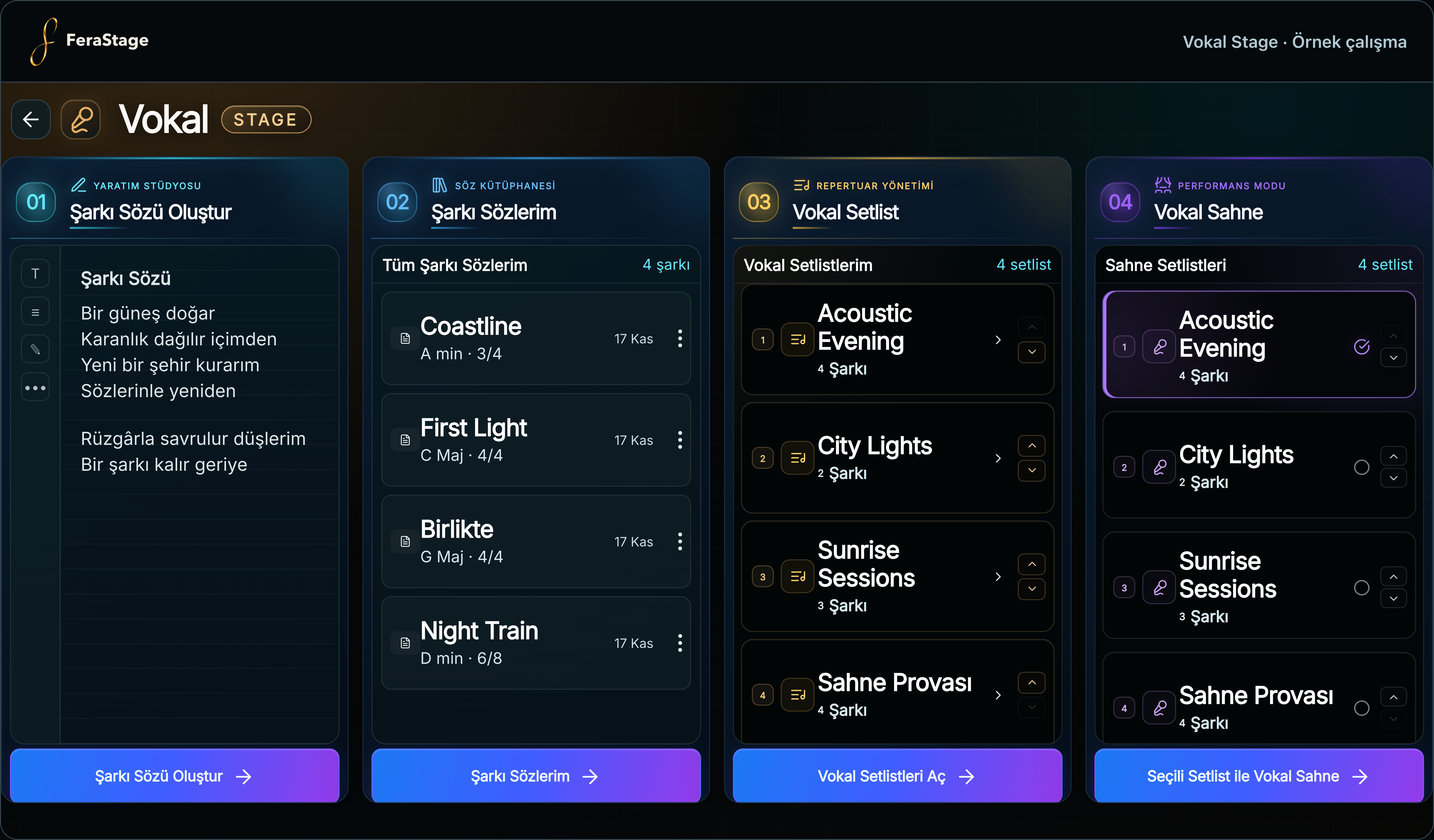
Choose your starting point
This overview explains the preparation task and links to the relevant workspace. Begin with a small example on your own device, then check the saved work before moving a larger repertoire.
Open Vocal Stage →Prepare your first session
Arrange lyrics and chords in one workflow. Build a vocal setlist, then choose readable text and scrolling settings in the stage view.
- Add your own lyrics or review a song-search result before importing it.
- Check chords, sections and key information, then save.
- Add the song to a vocal setlist, open the stage view or prepare a PDF.
Try a musical example
Use the original NEON WALK lyric-and-chord study. Check C, Am, F and G above the intended lines and select a prompter speed you can read comfortably.
Before you begin
Song, lyric and chord results depend on source coverage and connectivity. Results may be missing; check the content, its rights and musical information before use.
Optional AI suggestions depend on the enabled connections and need review. The prompter scrolls at your chosen speed; reference keys make sound and do not assess your singing.
Questions before you start
Is the PDF the same as the editable lyric package?
No. The PDF is a reading or printing output. The editable FeraStage lyric package is a separate file. Prepare the PDF after lyrics are in your working page.