
Prepare a click for each song
Keep song order and per-song click settings in one set. Select the piece you will play and move through your performance sequence yourself.
Choose your starting point
This overview explains the preparation task and links to the relevant workspace. Begin with a small example on your own device, then check the saved work before moving a larger repertoire.
Open Click Setlist →Prepare your first session
Keep song order and per-song click settings in one set. Select the piece you will play and move through your performance sequence yourself.
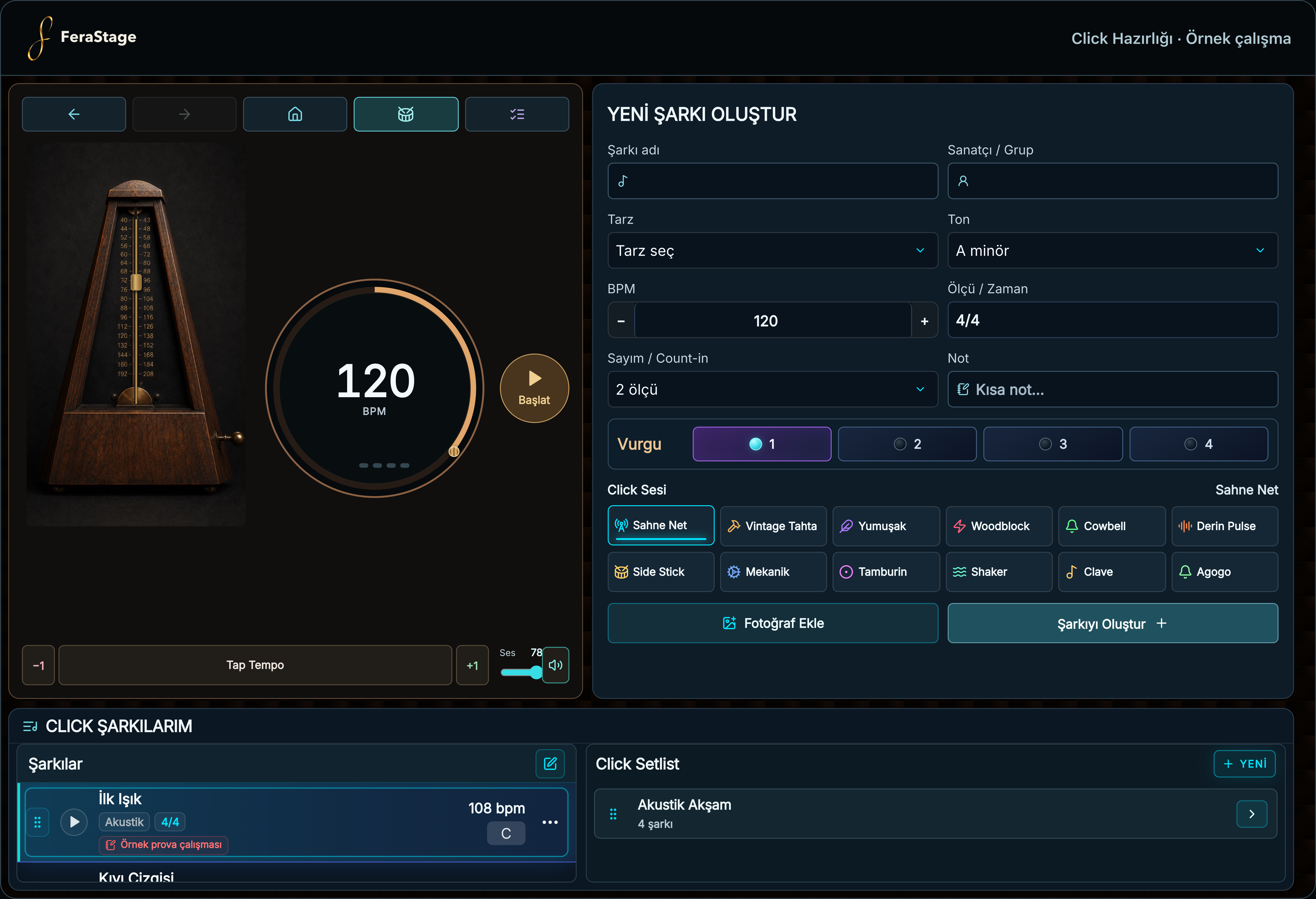
- Enter the song name, key, BPM and metre.
- Choose count-in, accents and click sound; add an image when useful.
- Save the song, add it to a click set and arrange the order.
Try a musical example
Prepare NEON WALK at 108 BPM in 4/4 and give SHADOW GROOVE a two-bar count-in. Select each piece in rehearsal to check its individual click settings.
Before you begin
Click Setlist does not produce backing-track audio or a score PDF. It does not automatically advance when a song ends.
Removing a song from a set is separate from deleting its library record. Check the actual audio output before using your setup on stage.
Questions before you start
Can each song keep a different tempo?
Yes. Store a song’s BPM, metre, count-in and click settings, then select songs yourself during the performance.