
iPad’in. Sahnen. Müziğin.
Setlistini sırala, her parçanın click planını hazırla. Akorlarını ve notalarını iPad’inde aç; provadan sahneye aynı çalışma alanıyla ilerle.

Real FeraStage screen · Sample operation
Open full sizeUnder the hand of the piece in the row.
Select parts from the repertoire, place the sequence you will play. Follow the glands, melodies and stage markers in the note area of the selected part.
- Repertuvardan inserting and dragging parts.
- The part sequence is selected with tonne and tempo information.
- Full note view and share setlist with FeraStage package.
The pace of each piece is ready.
BPM prepare the size, highlight and count settings with the song. Select the part in the scene; manage the clik controls from the same field.
You manage the passage between the parts.
Explore Click Setlist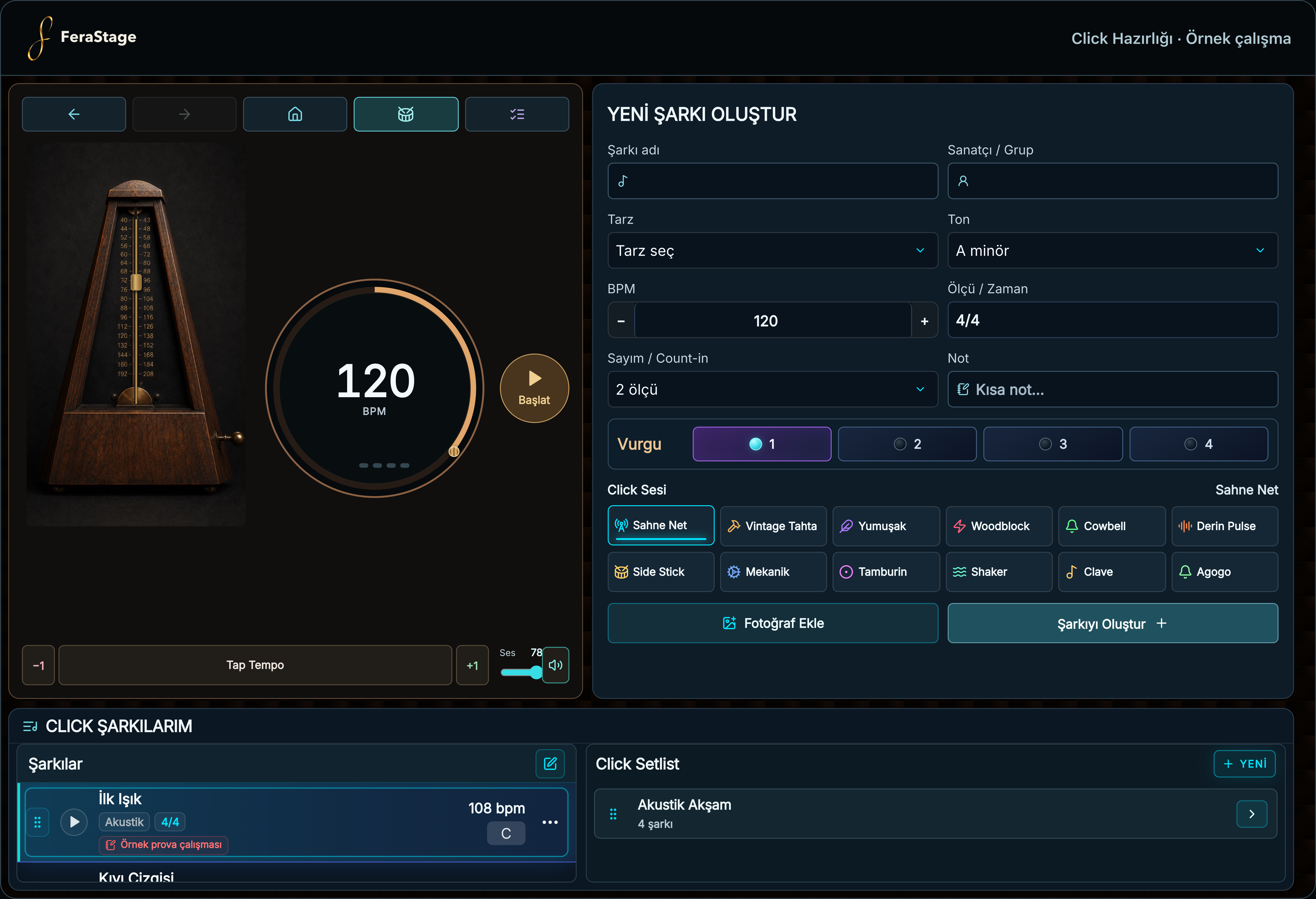
Akorunu yaz.
Draw the idea.
Add chords, partitions and bushes notes. Draw the melody with fingers or pen; use it in Songs and Setlists to work prepared.
Review the preparedness of chords and notes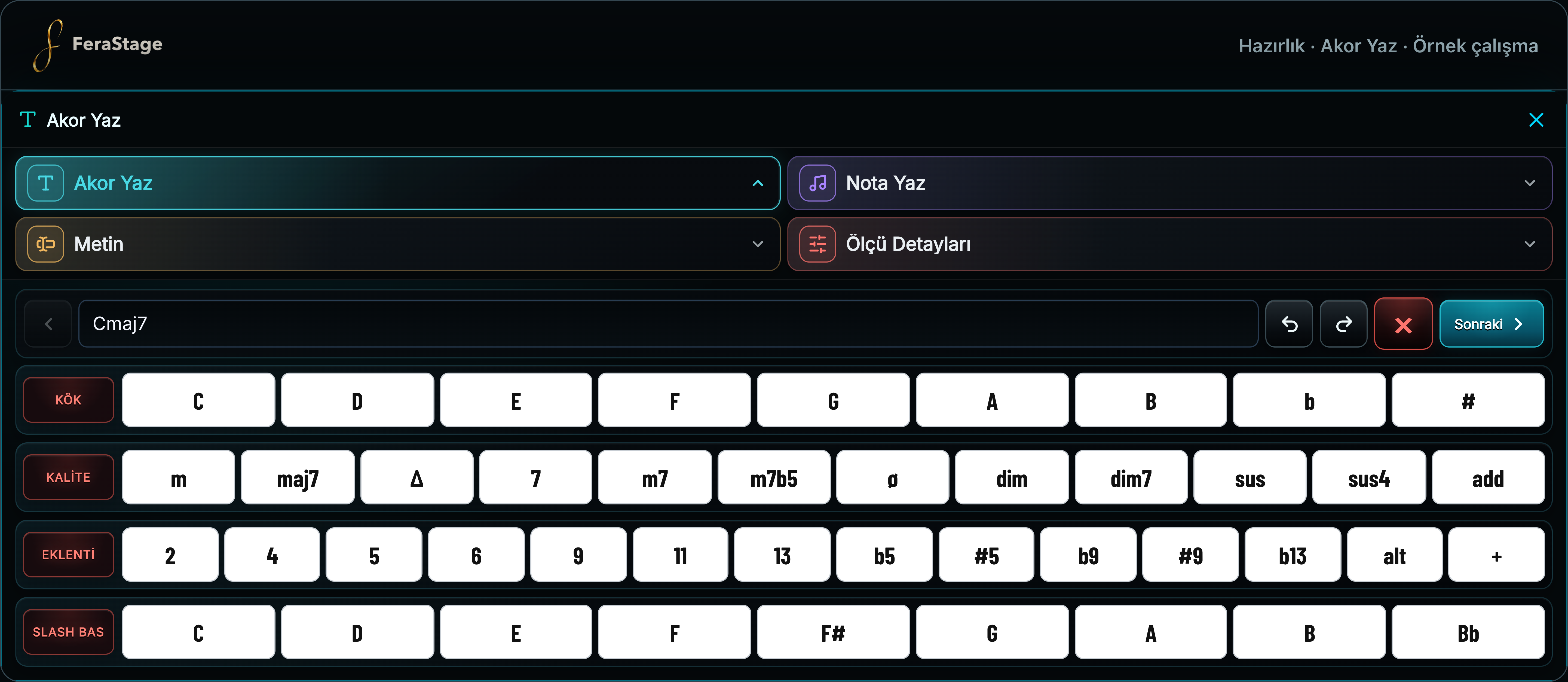
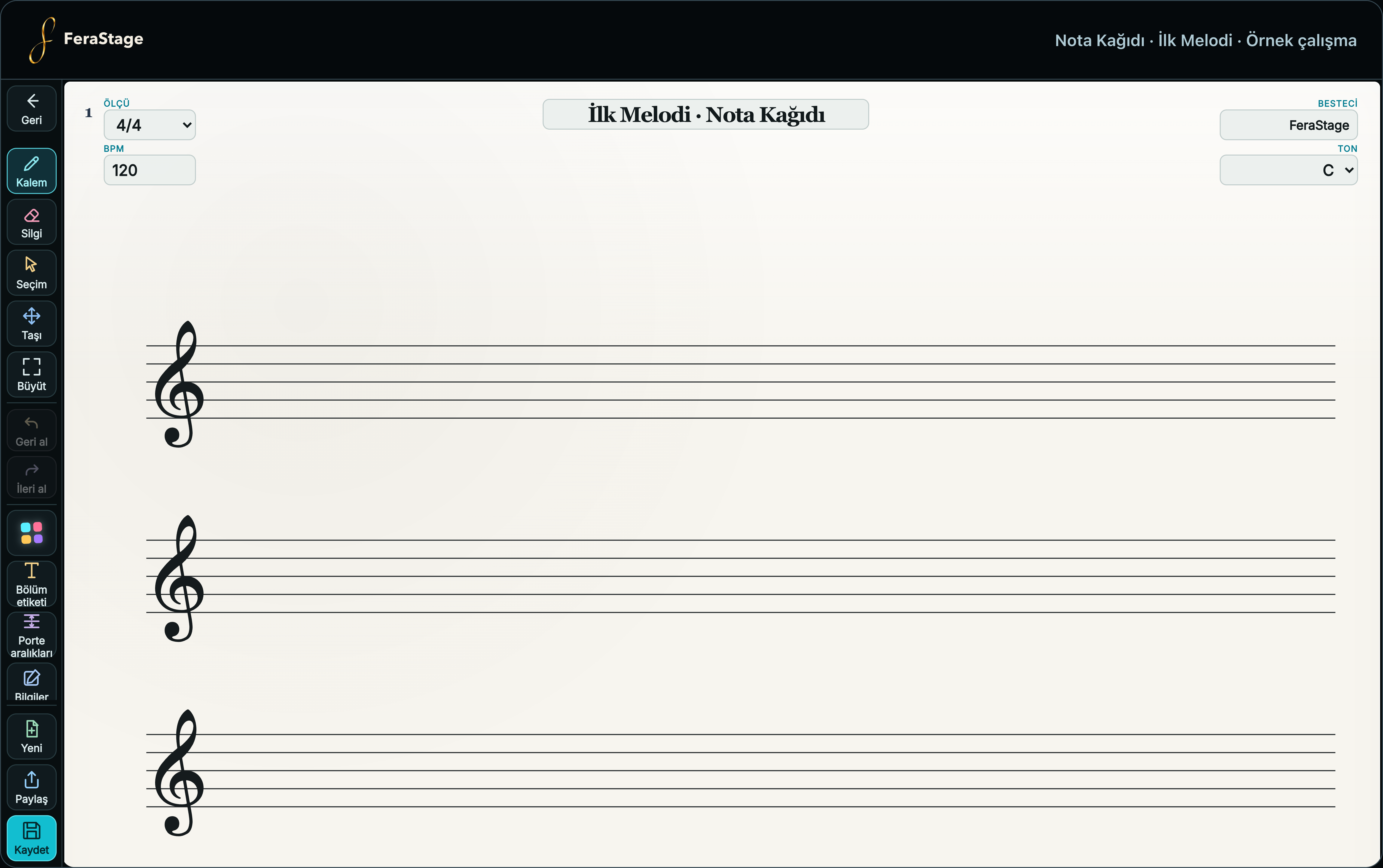
Paper, pencil,
rehearsal notes.
Select the paper; add ideas and work marks with free drawing. A melody idea, a bass walk, a note that you will remember in return.
Review font toolsRehearse on your iPad.
Enter the work area with the same FeraStage account. Check the preparedness on the iPad you will use it on the scene.
Setini kur.
Edit the part sequence, glands, notes and click settings.
Open on iPad.
Dene the nota size, page appearance and audio output.
Sahnede takip et.
Select the part; hold the notes and tempo controls under the hand.
Prepare the first setlist.
FeraStage Open the working area; use it on iPad.