
FeraStage resources for rehearsal and performance
Find shortcuts, guides, and feature details for preparation, rehearsal, performance, and the community.
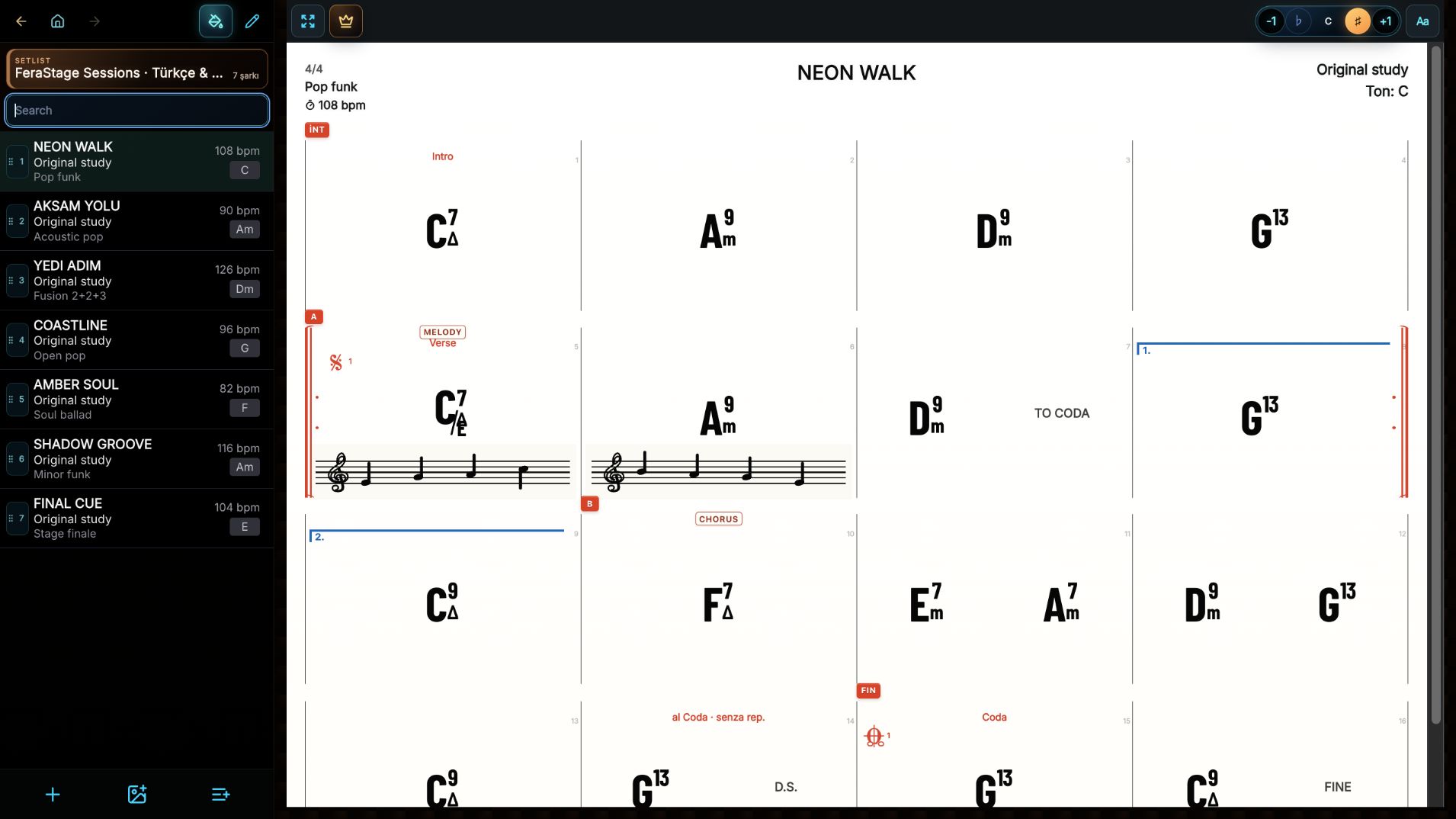
Photo gallery
Browse FeraStage screens by module, zoom in, and download high-resolution images.
Explore ↗Module guides · 12 modules
Screenshots, step-by-step instructions, ten practice ideas, and a PDF guide for each module.
Explore ↗Get to know FeraStage
Explore every module, Master on iPad, and the steps to get started through real screenshots.
Explore ↗Preparation: 10 original examples
See how to add chords, notation, and images, or transpose music, in the real workspace. Download the example files.
Explore ↗Get started
Get started with drum notation, setlists, rehearsals, or finding musicians.
Explore ↗Example projects
Edit four short drum and setlist examples and download your project file.
Explore ↗Step-by-step exercises
Short practice plans for lessons or solo study.
Explore ↗Search all resources
Find guides, tools, glossary entries, worksheets, and examples in one place.
Explore ↗Guides and stage ideas
Read about drum notation, setlists, digital repertoire, and finding musicians.
Explore ↗Worksheets
Download printable A4 resources for notation, drums, setlists, and rehearsals.
Explore ↗Musician’s glossary
Learn music and performance terms through examples.
Explore ↗Preparation tools
Calculate set lengths, rehearsal times, and note values.
Explore ↗Rhythm exercises
Practise with original grooves and fills.
Explore ↗Product guide
Explore FeraStage tools from preparation to performance.
Explore ↗Web + iPad
See how preparations on the web carry over to Stage on iPad.
Explore ↗Stage Network
Learn how to find musicians and manage who can see your activity.
Explore ↗Account and access
Sign in securely across FeraStage with one account.
Explore ↗What you can do with Stage today
These guides show the Stage modules you can use now. Features that are planned or in limited testing are marked accordingly.
Review ModulesFrequently asked questions
What is FeraStage?+
FeraStage is a music workspace for preparing on the web and performing on iPad. It includes songs, chords, notation, setlists, Click Setlist, metronome, tuner, piano keyboard, and recording tools.
How do the web and iPad versions work together?+
You work with the same FeraStage account on the web and iPad. In the Master session, the song and page flow of the setlist is managed; participants connect with six digit code and follow them according to their tasks. This session flow is separate from the storage of the account data and offline access. Pre-rehearsal the devices and connection you will use on the scene.
How do Vocal Stage and Stem Studio work?+
Vocal Stage manages the flow of vocal setlist and performance. Stem Studio prepares the local audio file to work with rehearsal-purpose channels and level controls.
Can I keep my content private?+
The planned visibility model supports private, parties and community levels. The default approach is private content.
Does Metronome and Tuner work on iPad?+
Yes. FeraStage; Metronome, Click Setlist, Piano Keyboard, Recordings and microphone-based Tuner modules offer web and iPad product flow with the same names.